

Why is a pallet label used in WMS solutions?
The fundamental point where WMS stock discipline generally diverges from ERP stock transactions is that in every case where a product moves within the warehouse, the following information is entered in a controlled manner:
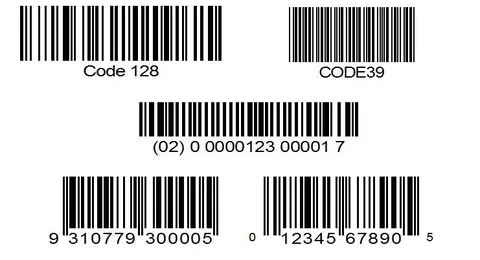
- Product barcode
- Quantity moved
- Source/destination places where the movement occurs
Why Pallet Label?
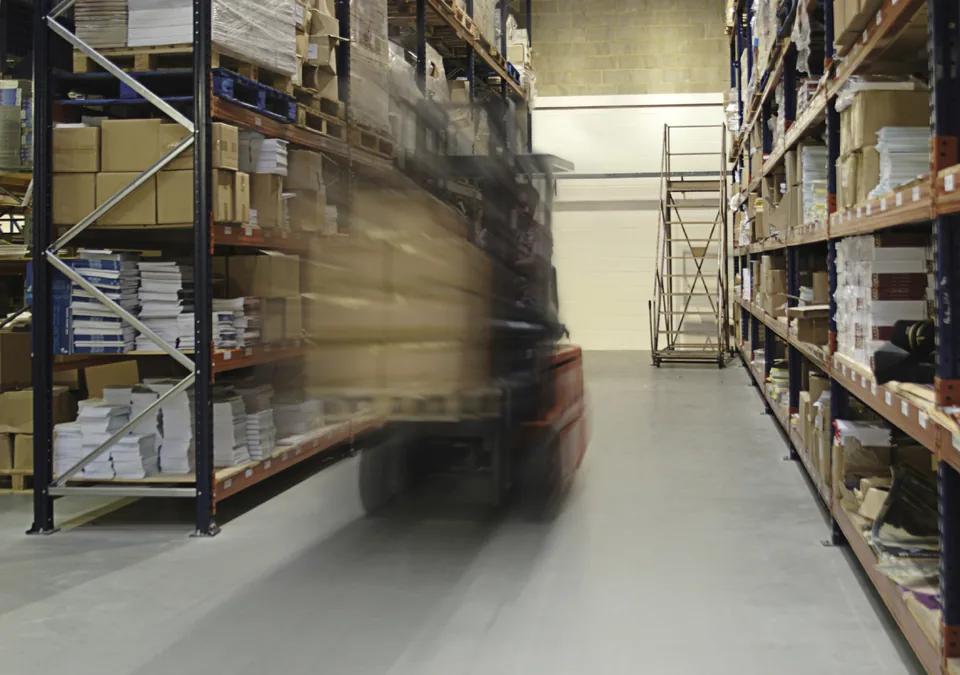
The reason for pallets' existence, apart from standard rack addresses, is to ensure that in large areas (unlike storage addresses where there is one pallet each), at any given time, it is known which products are on which pallet, in what quantity, and for what purpose they are there. It is an integral part of the address system. It can be thought of as a kind of 'movable' address, provided that products are scanned, and quantities are entered as they are removed/added; thus, simple errors are prevented, and processing with the wrong pallet is avoided. Piles of products (books, cosmetics, etc.) without pallet labels mean lost products even with the slightest error.
If your warehouse has an extraordinary variety of products on a pallet, there must be a corresponding solution in the software. The worst result of not distinguishing by pallet is that even if you know exactly where the products are, when you drop an order, the products cannot be found, and the same problem occurs one-to-one in storage area racks. For this purpose, products are sorted, distributed to tools like baskets/cash registers that hold fewer varieties (the ideal time for this is during goods receipt). Then, when an order is dropped, when products are visually selected, they can be ready.
Retrieving Pallet ID from Address
Our system has an option to retrieve the pallet number from the address; since there is one pallet at each storage address, we may not need to scan a pallet label. We also have an option to pre-fetch the quantity in the order. On top of these, we offer a 'remember address/pallet' feature, and numerous products can be moved practically between two addresses. Based on factors like companies' error-free working levels, team efficiency, and resources, these options can be activated. To perform error-free picking, the pallet being picked must be scanned once (if single picking is done), then for each order line, address labels, pallet labels, and product labels must be scanned, and the quantity must be entered. Thus, the system will not allow inconsistent data.
Usage Areas
Besides making pallet-based SKT, FIFO, and Lot flows (not addresses), pallet labels serve as a process serial number. You receive a number from the system for a certain purpose, use it to perform various transactions like transportation, collection, and receipt, and when you're done, that pallet number is no longer in use, representing a transaction history.
The ability to collect multiple orders simultaneously depends on having separate pallets for each. Otherwise, products in different orders will mix.
Depending on your needs, pallet labels can be printed on demand or collected and stuck in advance, making it suitable for use while scanning.
Cross-Dock
One of the critical gains from WMS solutions is the immediate dispatch of goods received for delivery to waiting customers. By splitting products received in bulk upon scanning at the time of receipt, collectible stocks are obtained. In fact, while everything is ready, this subsequent step can be performed by people suitable for sorting, just dividing into appropriate pallets (baskets, etc.). Regardless, the goal is to obtain collectible products. Otherwise, under performance pressure, pickers might pass by such an address.
This has two consequences:
- Reorder for shortages (a vicious cycle starts, and the same treatment begins from the start).
- The customer cancels the order (products received without a sales order remain in the warehouse).
Active Usage Example at Goods Receipt
Methods like sorting pallets into different baskets upon receipt, dropping orders directly into pick eyes after order picking, or introducing multiple pallets simultaneously and dividing products by pallet labels according to orders that are or are not present, product segments, etc., can be implemented using these pallet labels. This can also be achieved with sorter automation in a similar approach.